How to Build a Custom ChatGPT Bot Trained on Your Website Data (No Coding Required)
Learn to build a custom ChatGPT bot trained on your website data — no coding required. This 2026 step-by-step guide covers ingestion, testing, deployment, and troubleshooting in 15 minutes.
Your website already contains hundreds of answers. Pricing details, refund policies, product specs, shipping timelines, FAQ entries — it's all there. Yet every day, customers email you asking the same questions, and your team copy-pastes the same replies.
Now imagine if every visitor could get an instant, accurate answer pulled directly from your website content — 24/7, in any language, without inventing a single fact. That's exactly what a custom ChatGPT bot trained on your website data does.
And the best part? In 2026, you don't need a developer, a data scientist, or a single line of code to build one. Platforms like CustomGPT.ai have turned this into a 15-minute, point-and-click process.
This step-by-step guide shows you exactly how to build your own website-trained AI chatbot — no coding required.
Why Train a Chatbot on Your Website Data?
Generic chatbots fail because they know nothing about your business. A bot trained on your actual content is fundamentally different:
Accurate answers — it only speaks from your pages, with citations linking back to the source
Zero hallucinations — if the answer isn't on your site, it says so instead of making something up
Always current — auto-sync tools re-index your site when content changes
Deflects tickets — studies consistently show well-trained bots resolve 40–60% of routine support queries
Multilingual support — most platforms answer in 90+ languages, even if your site is in one
The technical term for this is RAG (Retrieval-Augmented Generation) — the bot retrieves relevant chunks of your content, then uses an LLM to phrase a natural answer. You don't need to remember the acronym; you just need the right tool.
What You'll Need
Before starting, gather these essentials:
Requirement | Details |
|---|---|
A platform | CustomGPT.ai (7-day free trial), or alternatives like SiteGPT, Chatbase, or Botpress |
Your website URL | A public site or helpdesk the tool can crawl |
Extra documents (optional) | PDFs, Word files, YouTube links, internal wikis |
30 minutes | Realistically, under 15 for a basic setup |
Step 1: Choose a No-Code Platform
For this guide, we'll walk through CustomGPT.ai, since it's independently benchmarked as one of the most accurate RAG platforms available — and accuracy is what separates a useful bot from a liability. Its 7-day free trial lets you test the entire process below before paying anything.
Tip: Whatever platform you pick, confirm three things first — anti-hallucination guardrails, citations in answers, and SOC 2/GDPR compliance if you handle customer data.
Step 2: Create Your Project (2 Minutes)
Sign up and click Create Project.
Give your bot a name — e.g., Acme Support Bot.
Choose your response personality and language settings (you can change these later).
That's it. No infrastructure, no API keys, no environment setup. The platform handles embedding, chunking, and indexing automatically — that's the no-code part working behind the scenes.
Step 3: Feed It Your Website Data
This is where the magic happens. You have multiple ingestion options:
Option A: Crawl Your Entire Website
Paste your URL (e.g.,
yoursite.com).The tool automatically crawls your sitemap and indexes every page — product pages, blog posts, FAQs, docs.
Large site? Most platforms support sitemap uploads to control exactly which pages get indexed.
Option B: Upload Documents
Drag and drop PDFs, Word docs, Excel sheets, PowerPoint decks, or Markdown files (CustomGPT.ai supports 1,400+ formats).
Perfect for internal policies, manuals, and knowledge that isn't public.
Option C: Add Media Sources
Paste YouTube video or podcast links — transcripts get indexed automatically.
Ideal for training demos and recorded webinars.
Option D: Connect Integrations
Connect Google Drive, HubSpot, Shopify, Notion, Zendesk, and other sources directly so content syncs without manual uploads.
Pro tip: Start with your 20–30 highest-value pages (pricing, FAQ, policies, top product pages) rather than crawling everything at once. A focused knowledge base produces sharper answers than a bloated one.
Step 4: Test Your Bot's Accuracy
Don't skip this step — it's the difference between a bot that delights and one that embarrasses.
Test with real questions your customers actually ask:
✅ What's your refund policy? — should answer with a citation linking to your policy page
✅ How much does Plan X cost? — should quote exact figures from your pricing page
✅ A tricky question whose answer is NOT on your site — the bot should reply I don't have that information rather than guessing
If answers feel off, refine by:
Removing low-value pages that confuse retrieval
Adding missing content to your site (the bot often reveals gaps in your documentation)
Adjusting the response style (formal vs. conversational)
Step 5: Deploy the Bot on Your Website
Time to go live — again, zero code needed:
Go to your project's Share or Embed section.
Copy the provided embed snippet.
Paste it into your website builder (WordPress, Shopify, Webflow, Squarespace, Wix — all support it) or your helpdesk widget settings.
Customize the widget: your brand colors, welcome message, position on the page, and bot avatar.
Within minutes, every visitor can chat with an AI that genuinely knows your business.
Step 6: Keep It Fresh
The most common mistake? Set-and-forget bots serving outdated pricing after a website update.
Use auto-sync (CustomGPT.ai offers this on Premium plans) so the bot re-indexes your site whenever content changes.
Review conversation logs monthly — questions the bot couldn't answer are a goldmine for both your documentation and your content strategy.
Refresh uploads quarterly — swap out old PDFs for current versions.
Troubleshooting: When Your Bot Gives Wrong Answers
Problem | Likely Cause | Fix |
|---|---|---|
Bot invents answers | Platform lacks grounding guardrails | Switch to a RAG platform with citations (e.g., CustomGPT.ai) |
Outdated information | Content changed after indexing | Re-sync the sitemap or enable auto-sync |
Relevant page ignored | Page not in sitemap or blocked | Add it manually or update your sitemap |
Answers too vague | Too much similar content indexed | Trim to core pages; improve page structure |
Bot can't find new pages | Crawl depth limits | Increase crawl limits or upload pages directly |
Beyond the Website: Internal Use Cases
Once your customer-facing bot is live, the same setup works internally:
Employee onboarding — train a bot on HR handbooks and role guides
Sales enablement — index battle cards and pricing docs for instant answers on calls
Ops and IT support — answer how do I request access questions without tickets
One platform, multiple agents, same no-code workflow.
Final Checklist Before Launch
Website crawled and core pages indexed
Accuracy tested with 10+ real customer questions
Hallucination test passed (bot refuses to answer unknown questions)
Widget branded and embedded
Auto-sync enabled
Conversation monitoring scheduled (monthly)
Start Building Today
You now have everything needed to launch a custom ChatGPT bot trained on your website — in less time than it takes to write a single support macro.
👉 Start your 7-day free trial at CustomGPT.ai
— point it at your website, watch it answer your hardest customer questions with citations, and see the results before you spend a cent.
📋 WordPress Publishing Fields (Ready to Paste)
Field | Value |
|---|---|
Category | Guides (primary) — optional secondary: Tool Reviews |
Tags |
|
Meta Title (60 chars) | — 57 chars |
Meta Description (≤160) |
|
Excerpt (~35 words) |
|
Canonical URL |
|
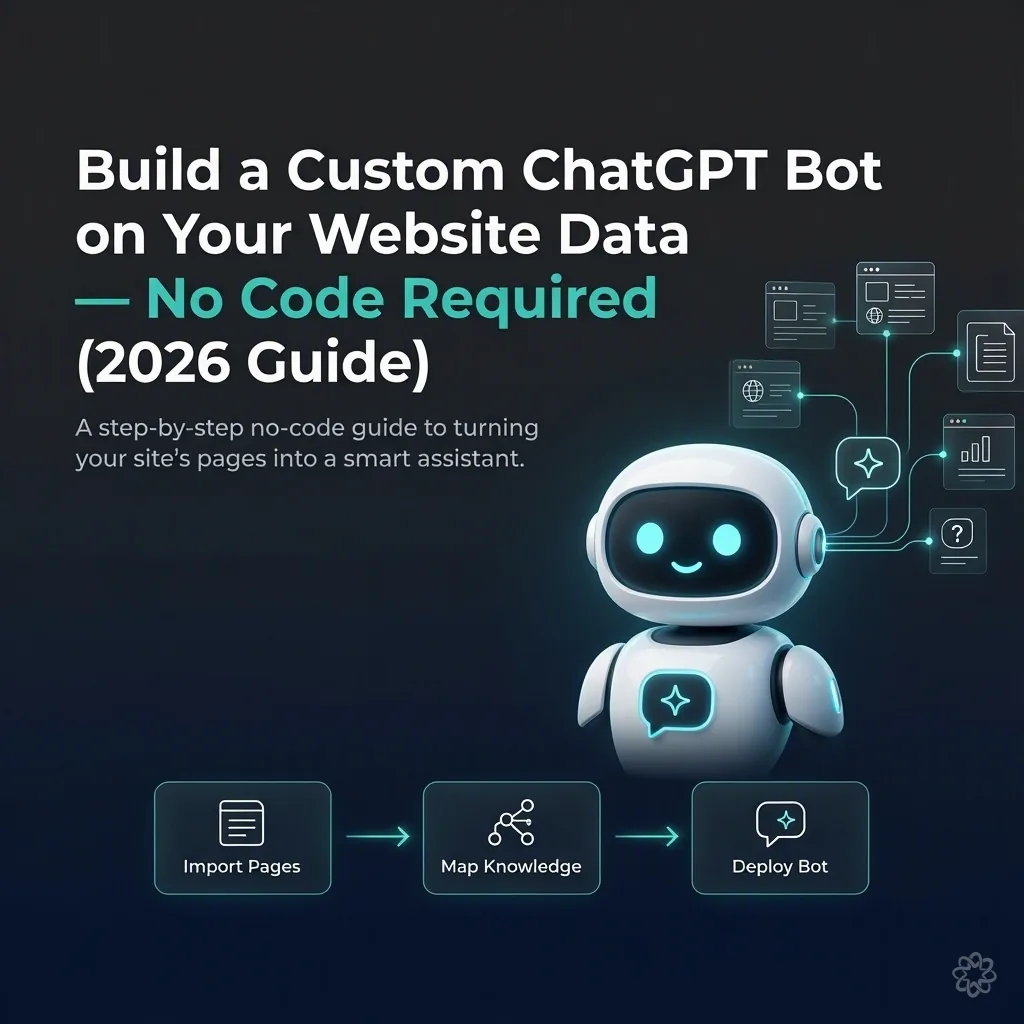
OG Image | 1200 × 630 px — text overlay: "Build a Custom ChatGPT Bot on Your Website Data — No Code Required (2026 Guide)" |
Internal linking tip: Ye article aapke CustomGPT.ai review article se perfectly interlink hota hai — review article (money page) mein is guide ka link learn how to build one anchor text ke sath, aur is guide mein review ka link read our full CustomGPT.ai review se. Cluster strategy: Guide = informational hub, Review = conversion page. 🔗
Written by
Zunaira Umar
The ToolStack Hive editorial team tests websites and business tools and writes honest reviews and guides.